SAT Calculator Guide: The Best Calculator for the Digital SAT
UPDATE!! On May 17, 2025, the SAT announced that CAS calculators will no longer be allowed on the SAT.
Intro
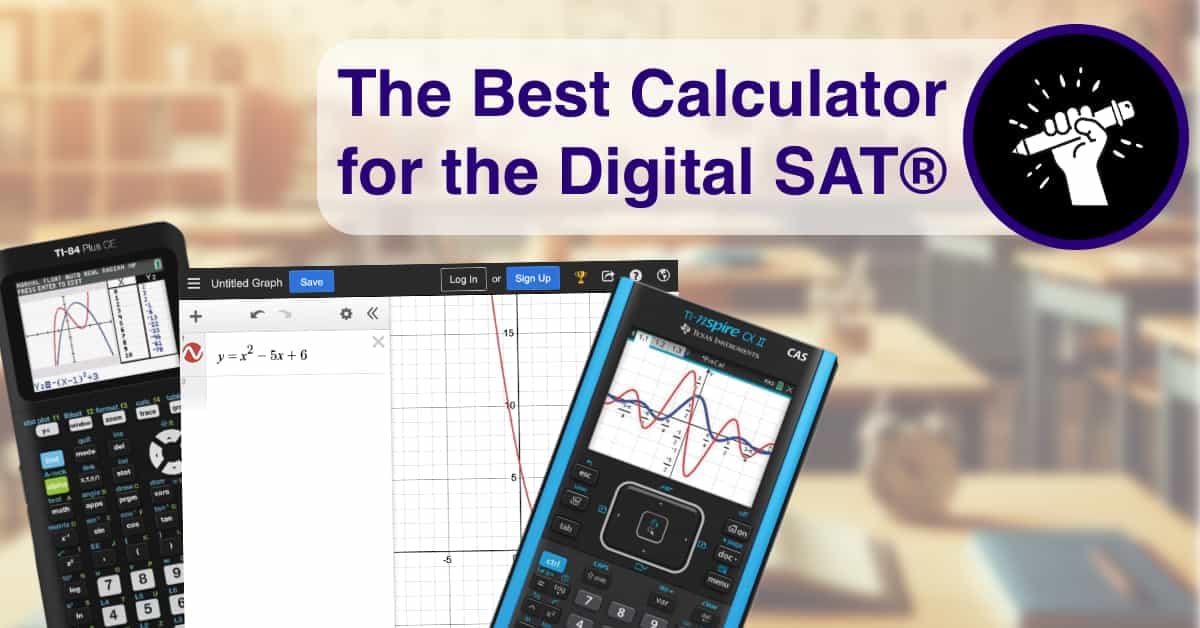
Your calculator could be your best friend or your worst enemy on the SAT. The Digital SAT has the powerful Desmos calculator built right into the testing software. But do you really want to try typing math equations in with your laptop keyboard? Sure, you could use your calculator from school, but is that even allowed? Here, we explore the pros and cons of popular options, including the TI-84 and TI-Nspire CX II, to help you make an informed decision.
Know Your Machine
The most important factor in selecting a calculator for the SAT is using one you know how to use. You don't need a costly paperweight. So don't switch calculators if you don't have time to learn the new one. Also, make sure your calculator adheres to the SAT's calculator restrictions (which all the options listed under popular options do).
Here are the restrictions:
- Handheld, battery-operated only; no power cords.
- No high-character displays or raised displays that obstruct others' view.
- Prohibited devices include laptops, smart devices, and calculators with Internet access or QWERTY keypads.
Popular Calculator Options
1) Four Function
- Pros: Extremely affordable: you can buy it a dollar store.
- Cons: Limited functionality. Not reliable: you can buy it at a dollar store.
- Takeaway: Just don't. Keep reading.
2) Scientific
- Pros: For about $12, you can get a calculator that can do most math for you.
- Cons: It was top-of-the-line… in the 1970s.
- Takeaway: If you’re really low on time and are comfortable with a scientific calculator, you could use this, but you probably should just use the built-in Desmos.
3) TI-84
- Pros: The most popular calculator in US high schools since the early 2000s, so lots of support resources. Very robust library of programs.
- Cons: The basic operating system is very outdated. While it has had a nice layer of updates, it still maintains a lot of that old code.
- Takeaway: If you already own this calculator, you can use this in conjunction with the built- in Desmos.
4) Desmos (Built In)
- Pros: This incredibly powerful calculator is built right into the Bluebook software. Free! Its graphing abilities are unrivaled.
- Cons: Lacks computer algebra functionality (solving equations), although much of this can be replicated with its amazing graphing capabilities. Typing on a keyboard can at times be slower than using a handheld calculator.
- Takeaway: All students should familiarize themselves with Desmos, especially for graphing. Many will use this and only this during the SAT.
5) TI-Nspire CX II (non-CAS)
- Pros: Powerful nSolve and relational graphing. Programmable, although the library of available programs is not as extensive as the TI-84's.
- Cons: Graphing features, while significantly better than the TI-84's, are not as user-friendly as Desmos. Significant learning curve (plan for at least two weeks to get used to the calculator). The more powerful CAS calculator is no longer allowed.
- Takeaway: If you already own this calculator, you can use this in conjunction with the built- in Desmos.
The Winner
So the best calculator for the Digital SAT is.... Desmos (since the TI-Nspire CX CAS is no longer allowed). Mastering Desmos can add hundreds of points to your score, so get started today!
Read about the most essential desmos features here.
Go through our free training here (free account required).
Practice with the SAT Desmos calculator
Compare advice with real hands-on practice by opening the free SAT Desmos graphing calculator in expanded or compact mode.
Practice with the SAT Desmos calculator